Channels · Range · Distortion
Speaker Test
Check that each speaker or headphone channel works, then sweep the full audible range to listen for buzzing or dropouts.
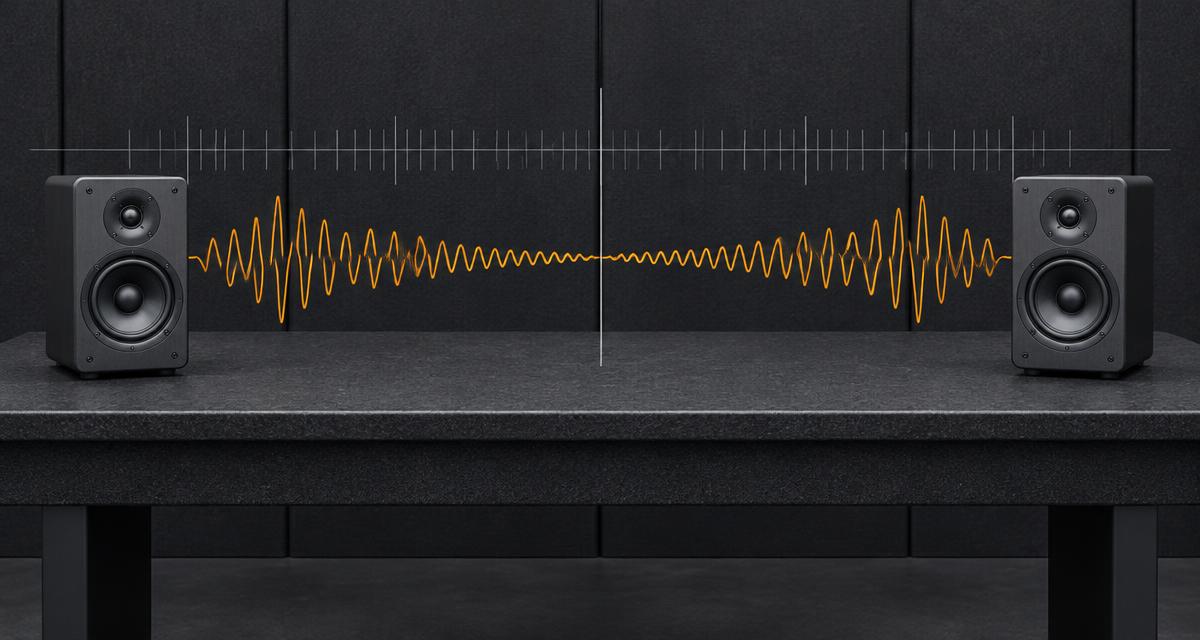
Start at low volume. The sweep plays the sweep up and back once over ~8 seconds.
How to read the results
- Silent channel: check balance settings, cable or Bluetooth pairing first.
- Buzz at a specific pitch: often a loose part or damaged cone at that frequency.
- Muffled everywhere: possibly water or debris — try the water eject tool.
Need a specific pitch? Use the tone generator.
Frequently asked questions
+Why does left and right sound the same on my phone?
Many phones mix stereo to mono at low volume or in certain orientations, and some have only one real speaker plus an earpiece. Try headphones to confirm channels are working.
+What does the frequency sweep show?
It glides from 20 Hz to 20 kHz. Small speakers usually can't produce the lowest notes, and most adults can't hear the highest. Note where sound starts and stops — buzzing at one point can indicate damage.
+Is this a calibrated measurement?
No. Browser audio on consumer hardware is uncalibrated. Treat results as a practical check, not a lab measurement.